What’s New
April Release Notes

You asked - we delivered!
Undo/Redo is now available 🚀🚀🚀
Craft your website fearlessly! With just one click, undo any changes and restore order. But wait, there's more! Redo to regain lost progress and continue forward. Your digital canvas is boundless, ready for your creative mastery! 🎨🚀
Visit our help center to learn more.
*Our latest functionality is currently available only to Frontrunners group. However, it will soon be added for all users. Contact our support if you want to join Frontrunners and unlock access to the latest features.
Introducing:
the ”Shopify App Block” Element 🧩
The new "Shopify App Block" element makes adding and integrating widgets from third-party apps to your "Full Customization" Product pages a breeze!
Now you can easily integrate any Shopify app that utilizes app blocks onto your product page, even if it’s not one we've built an integration for. No custom coding required!
Visit our help center to learn more.
Try our New templates today! ✨
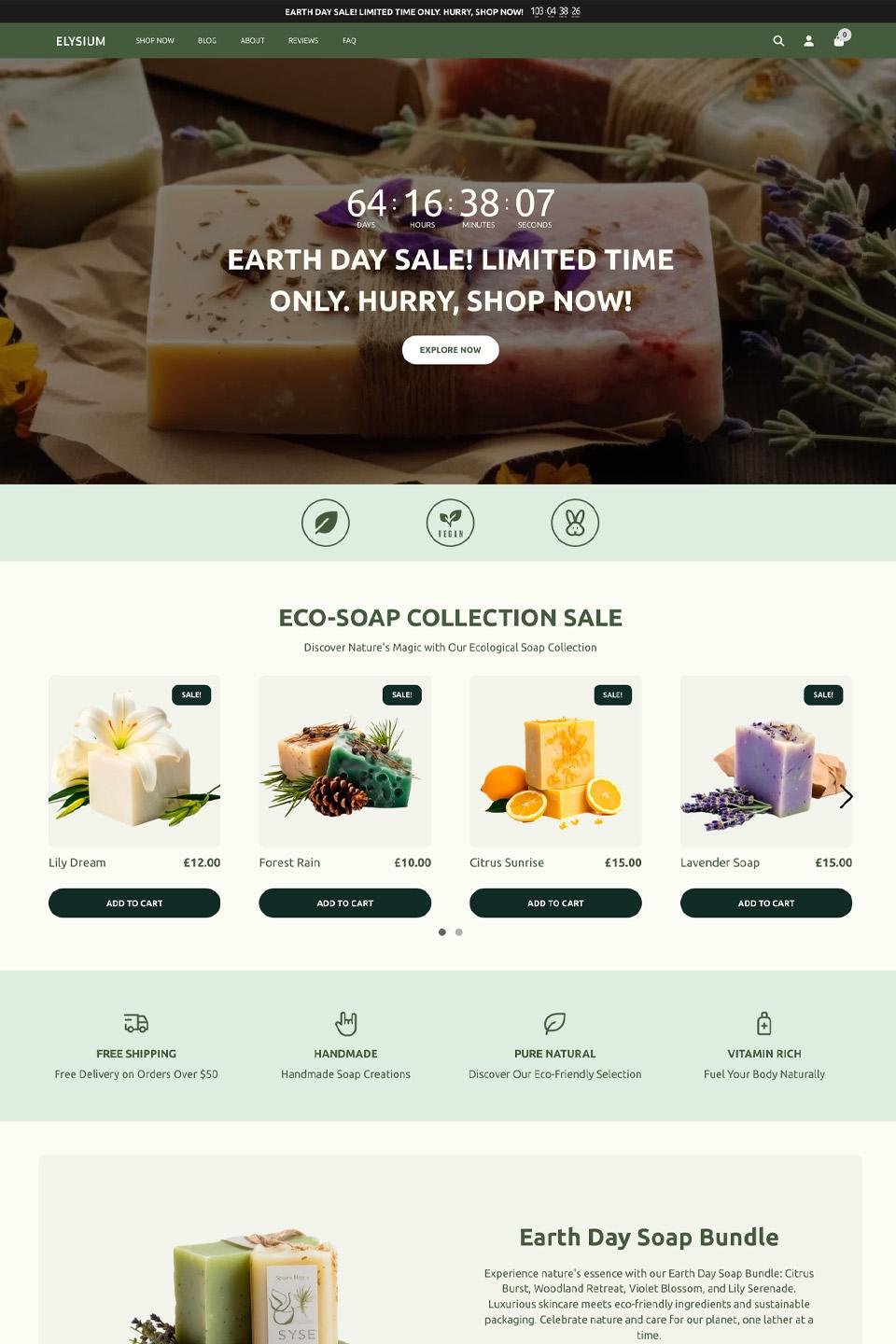
[Holiday]: Earth Day
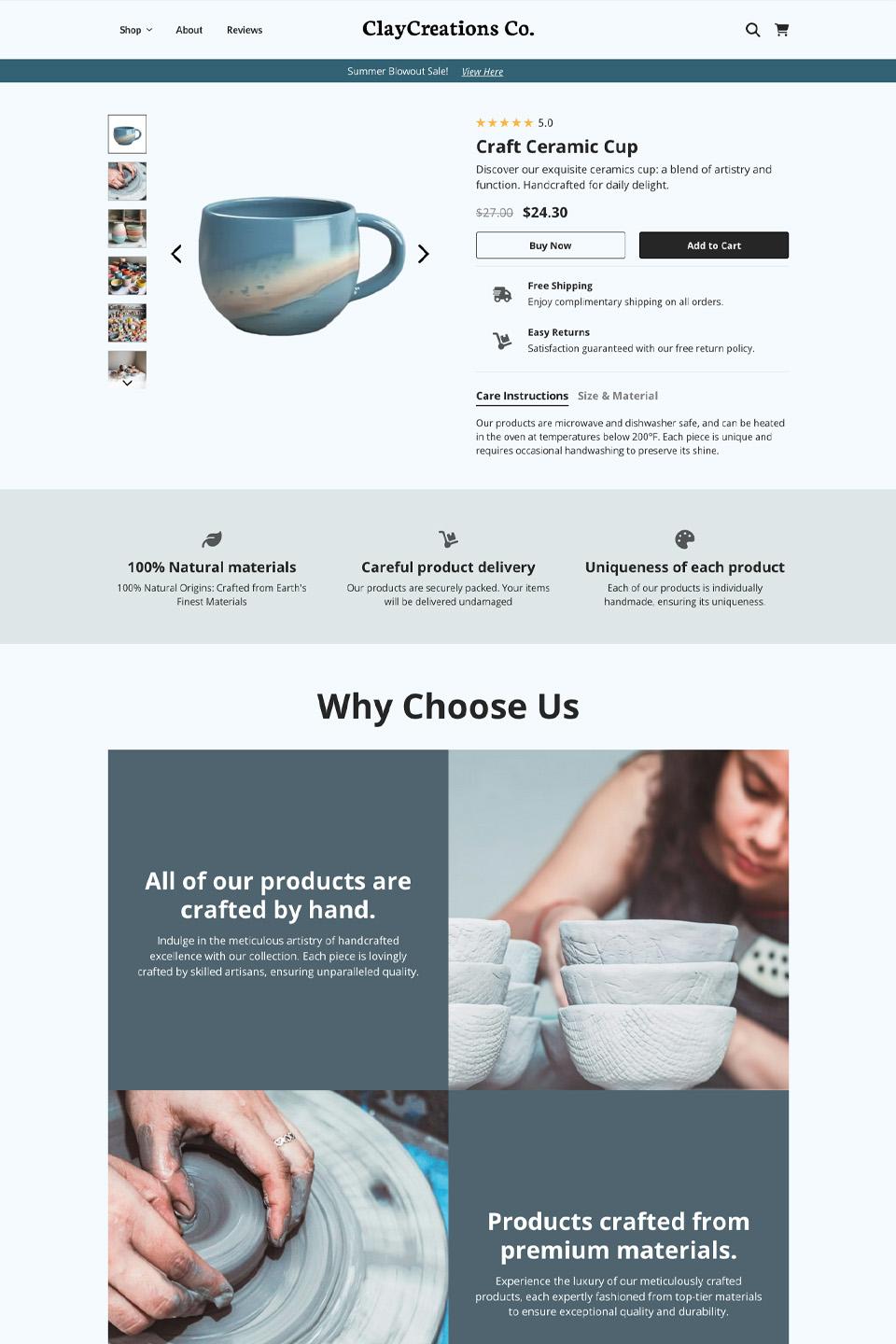
[New]: Ceramics Product Page
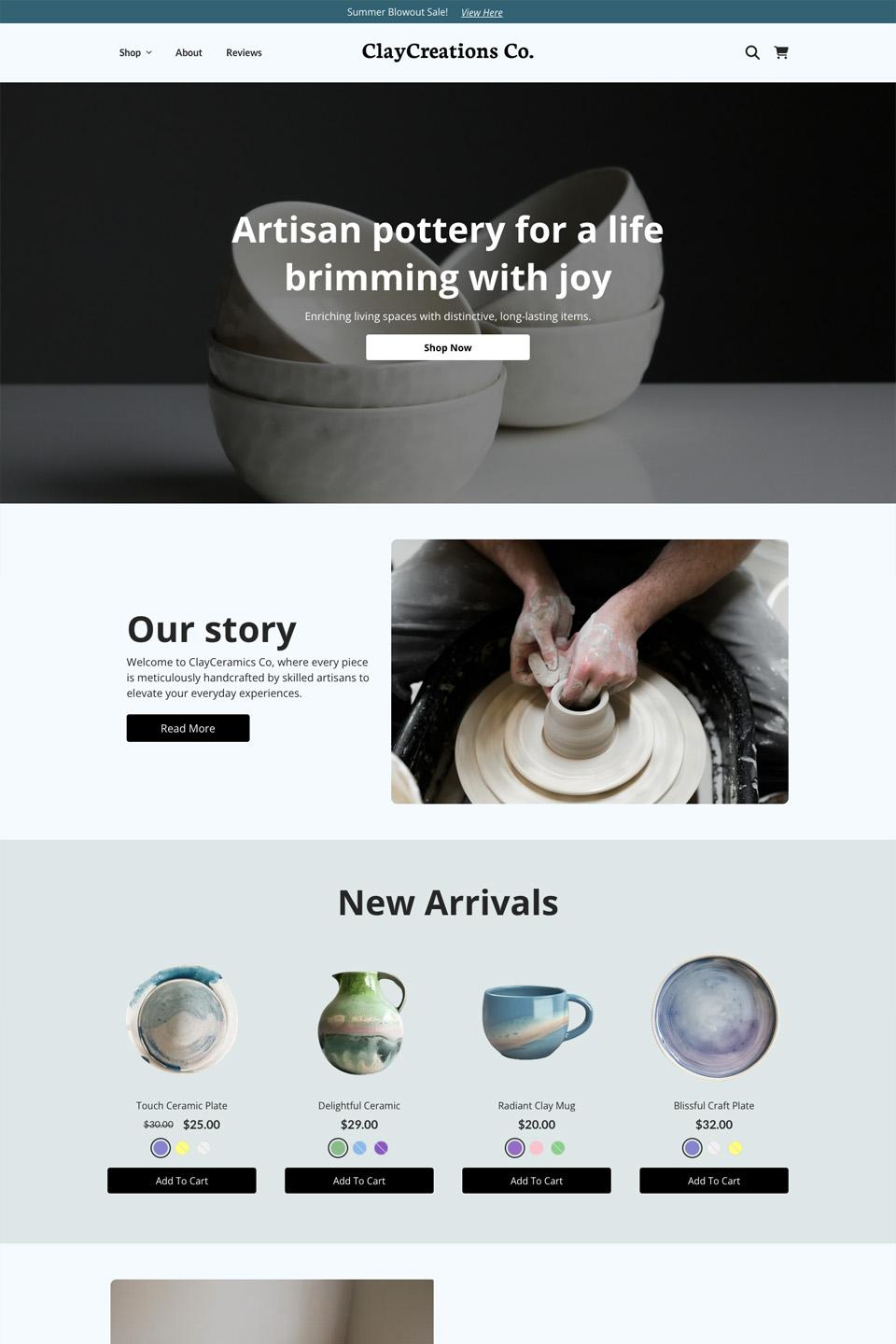
[New]: Ceramics Landing Page
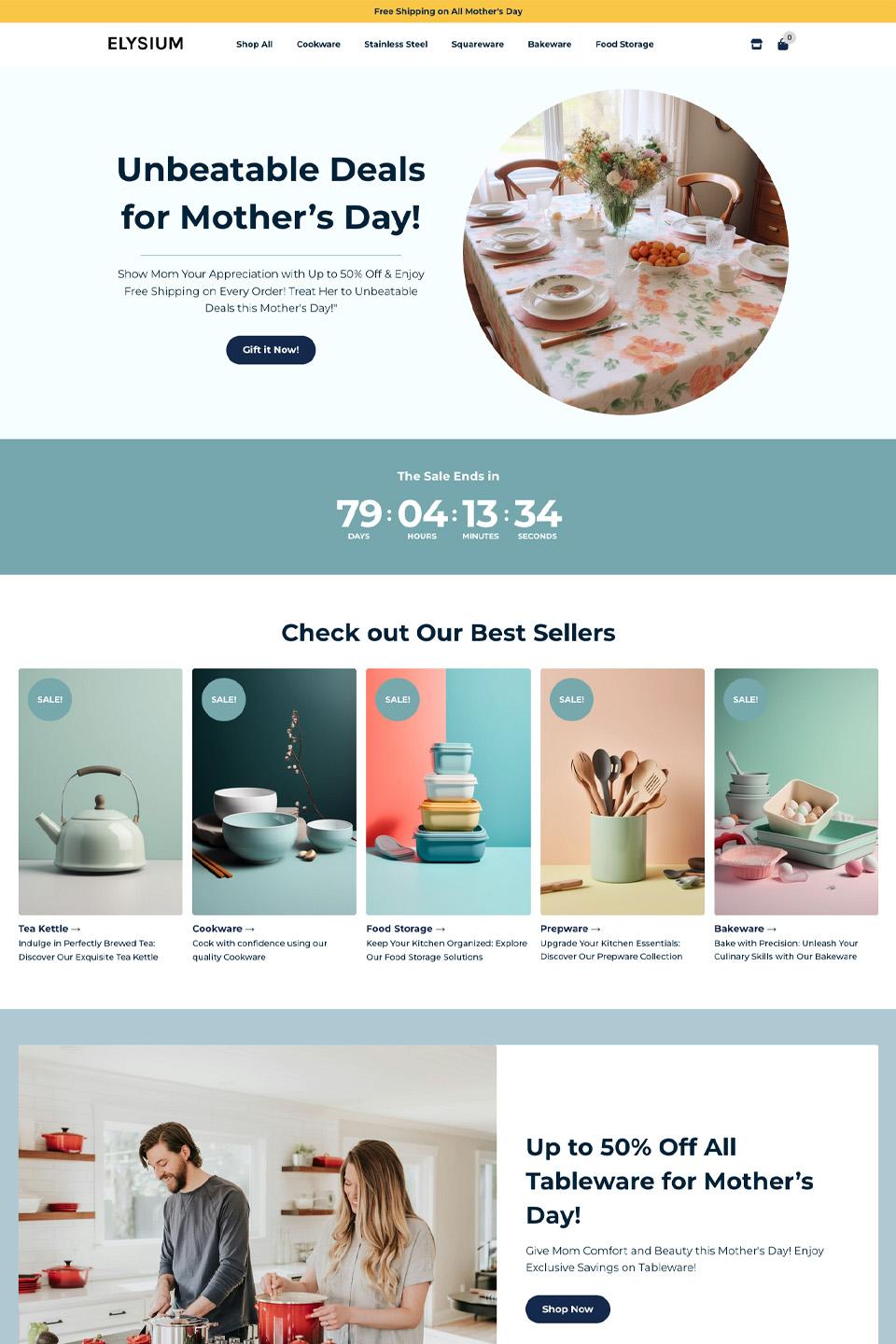
[Holiday]: Mother Day
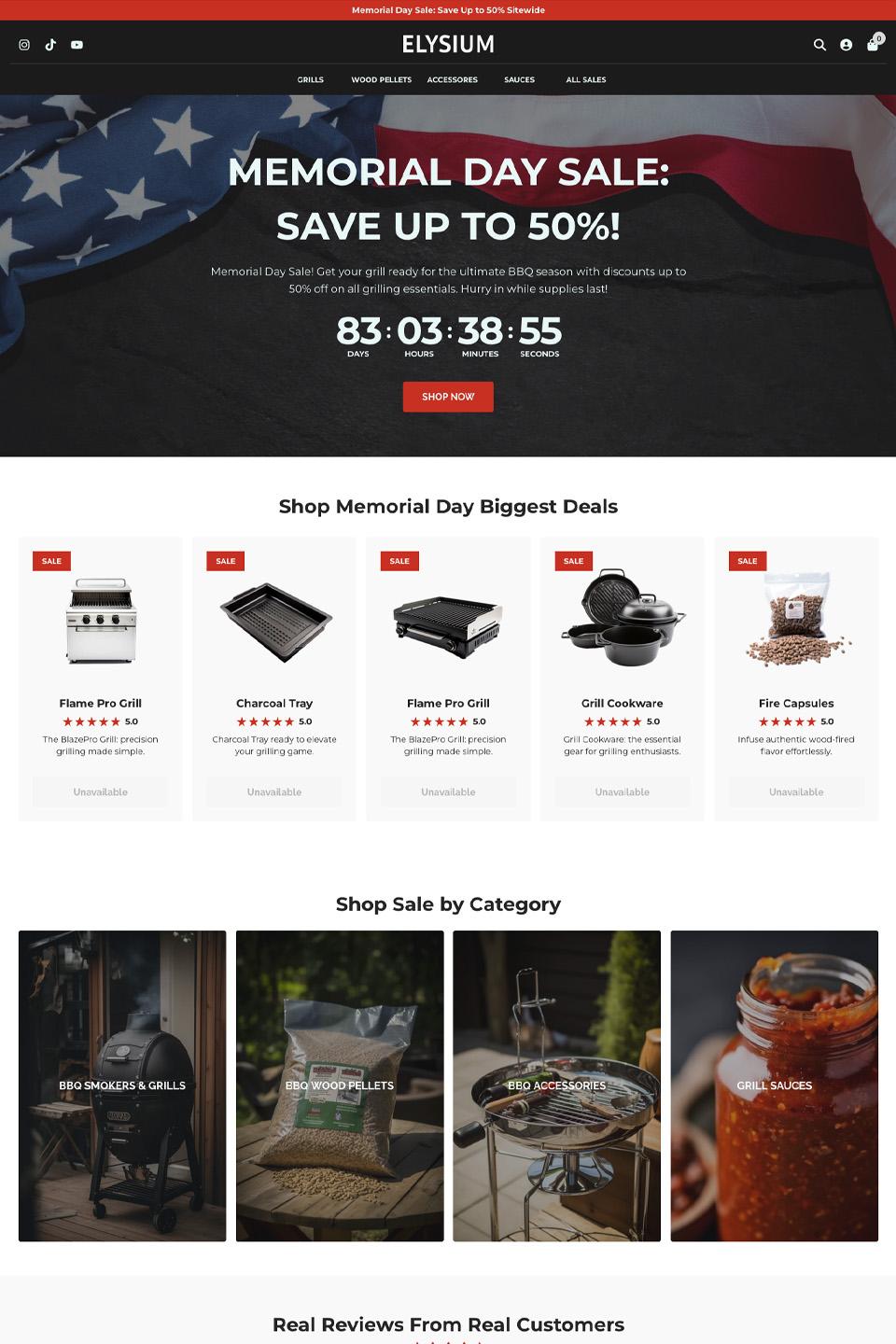
[Holiday]: Memorial Day
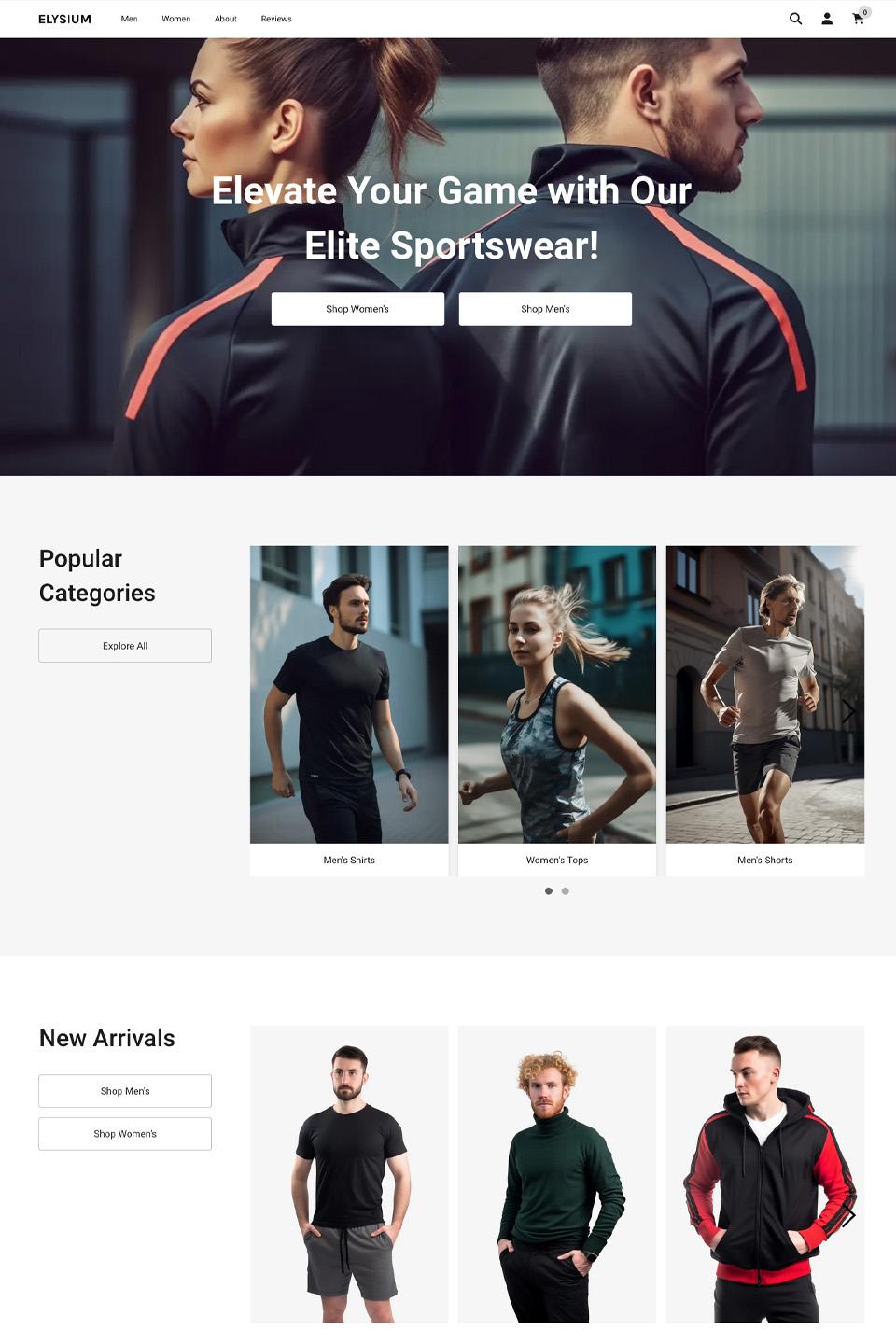
[NEW]: Sportswear
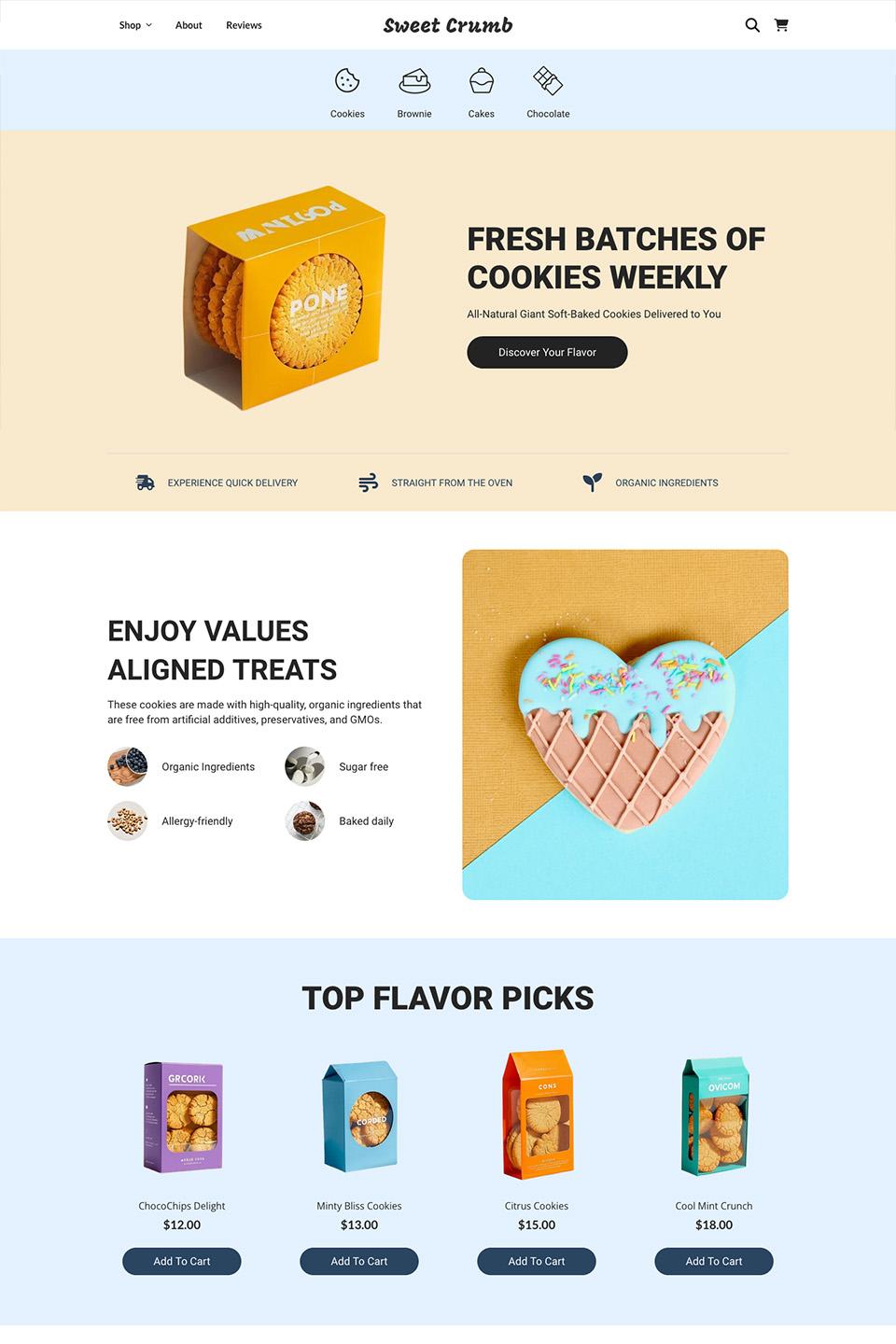
[Holiday]: Gourmet Treats
[New]: Home Decor

Bug Fixes / Small improvements
-
Sticky section: Behavior support now included in page preview
-
Bundle name added as a setting to the Element settings in the sidebar
-
Free plan updates - no 14 day limit
-
Product Carousel settings moved to the sidebar
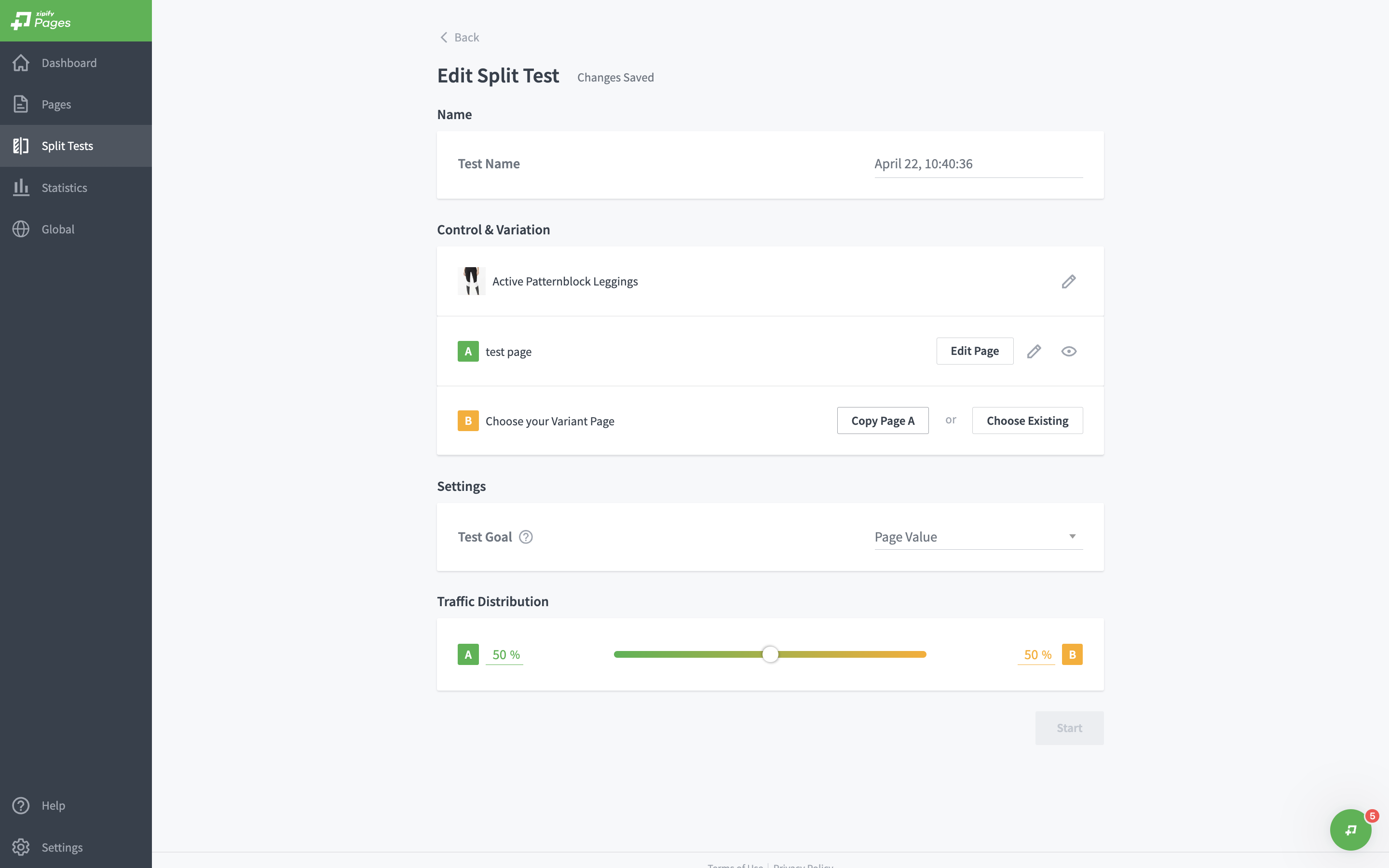
While we’re cooking up something exciting for you, here’s your chance to explore something you might have overlooked - Split Testing!
Maximize conversions with Zipify Pages' split testing feature! Experiment with different page versions, from headlines to layouts, to uncover what resonates best with your audience. Make data-driven optimizations and watch your results soar! 💸
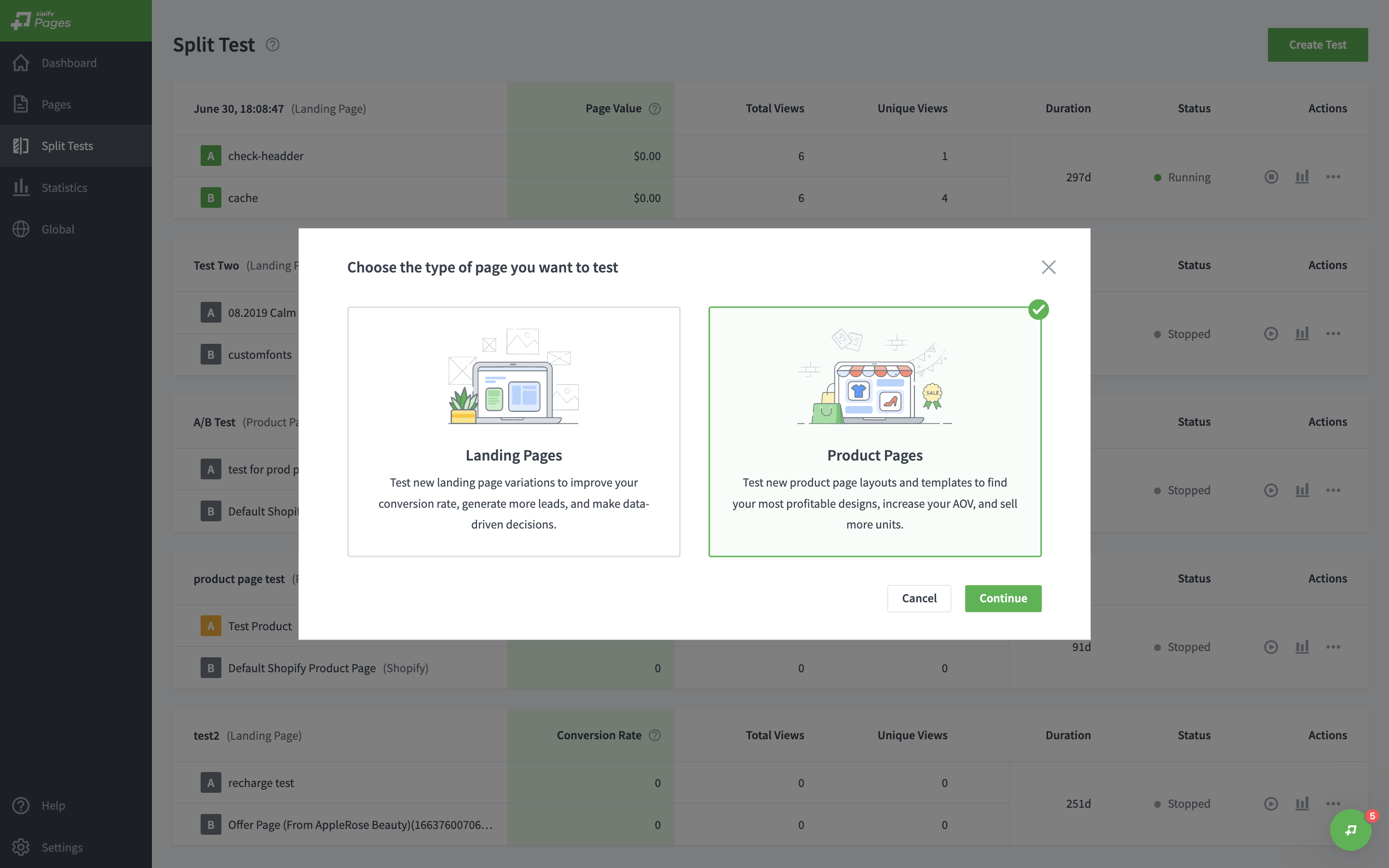
1. Select a page type you want to Split test
Select either Landing or Product Page to split test! Or even better - launch Split tests for both types!
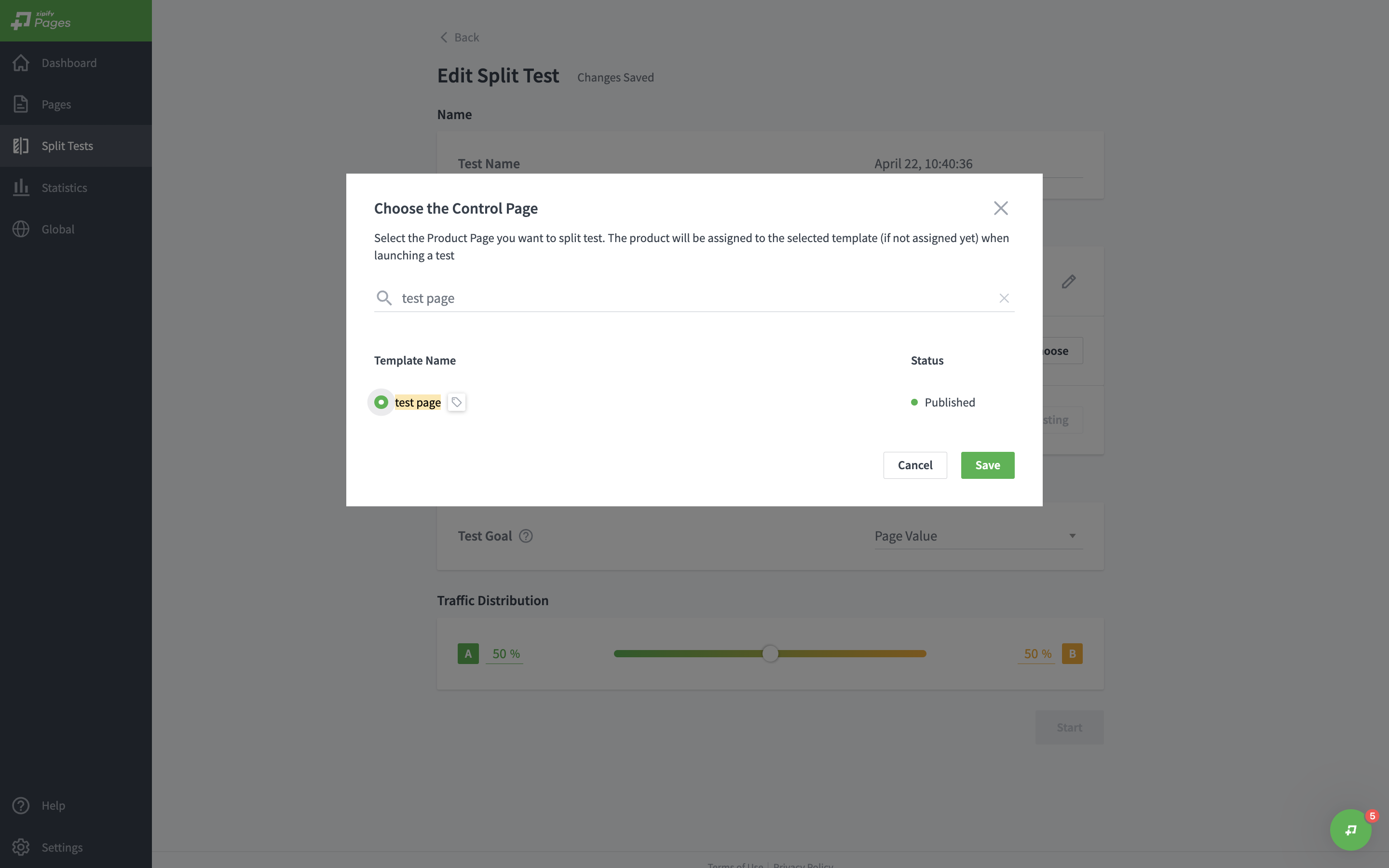
2. Select Control Page
The Control Page is the original page you would like to split test against another one
3. Select Variant Page
Based on the previous step, you can select an existing page to split test or copy the page you've already selected and to make some changes to it